Items and 3D models
Import PNG artwork or a Blockbench Java model with its textures. Preview and organize each custom appearance.
 MCPackCreator
DESKTOP
MCPackCreator
DESKTOP
MINECRAFT JAVA · WINDOWS APP
Give Minecraft items a new look. Bring in your textures and 3D models, build your pack in a visual workspace, and export a ZIP ready for Minecraft.
$15.99 once · Lifetime app updates · Windows 10 / 11
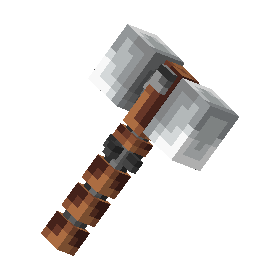 Gladiator Mace
A visual resource-pack builder.
From individual items to a complete collection.
THE WORKFLOW
Organize your projects, create your items, and check the result before export.
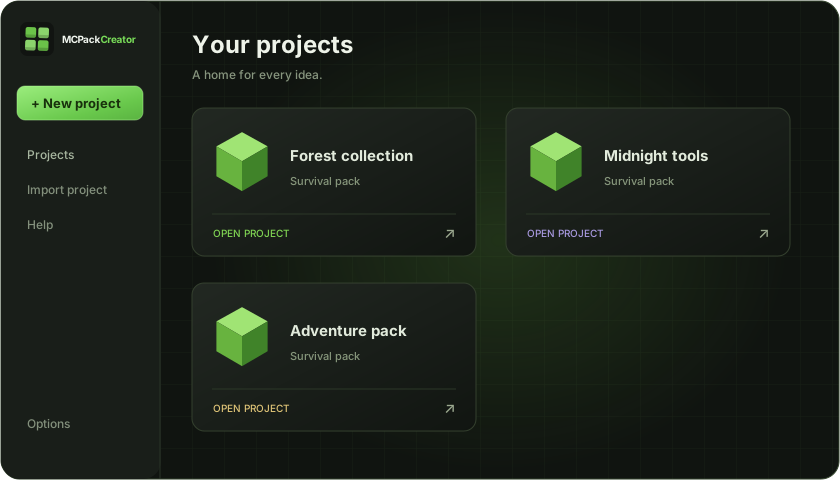
WHAT YOU CAN MAKE
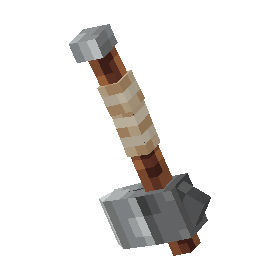
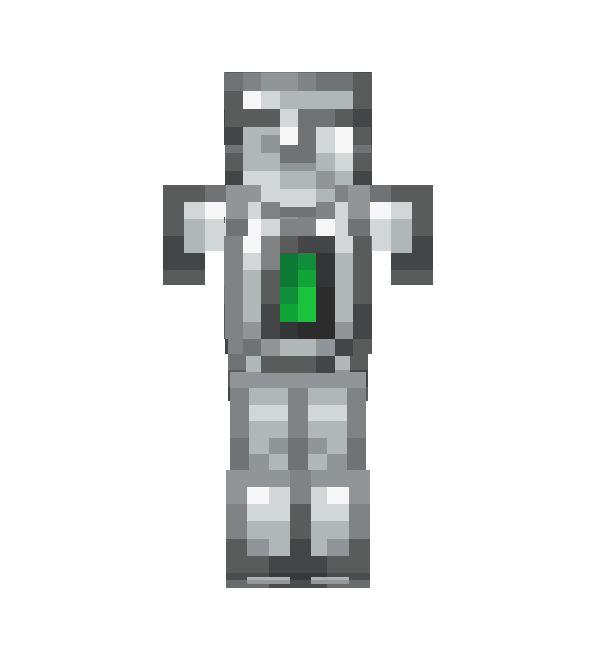
Import PNG artwork or a Blockbench Java model with its textures. Preview and organize each custom appearance.
Add equipment textures, OGG sound events, bitmap fonts, and styled tooltips in supported workflows.
Check for missing assets, invalid paths, and version conflicts. Export your resource pack and the commands your workflow needs.
Enable optional mod support per project: ETF texture variants and emissive textures, imported EMF model bundles, or CIT appearance rules. Matching mods must be installed in Minecraft, and available features depend on your target version.
PERMANENT DESKTOP LICENSE
Build and save projects on your PC, with lifetime updates to the app.
Windows installer available for existing owners. New purchases open soon.
A FEW DETAILS
No. New MCPackCreator Desktop licenses cost $15.99 once and do not renew automatically.
Your permanent license includes future updates to the MCPackCreator Desktop application for the lifetime of the product.
Accounts with active paid or complimentary Pro access at migration receive a permanent desktop license. Sign in with your existing account to check yours.
Desktop projects are local by default. Account cloud saving and unlisted sharing are optional and may have separate service limits.
After an online license check, the app keeps a 30-day offline activation cache. Connect periodically to refresh it and receive account status changes.
Yes. Use the project recovery page in the browser where you created them, then import the saved files into the app.
MCPackCreator targets Minecraft Java Edition and supports the version-aware workflows listed in the app.